Build Smart WhatsApp AI Agents with Rayflow
Deploy smart AI agents on WhatsApp to capture leads, recommend products, complete tasks, manage orders, and achieve goals — no tech skills required.
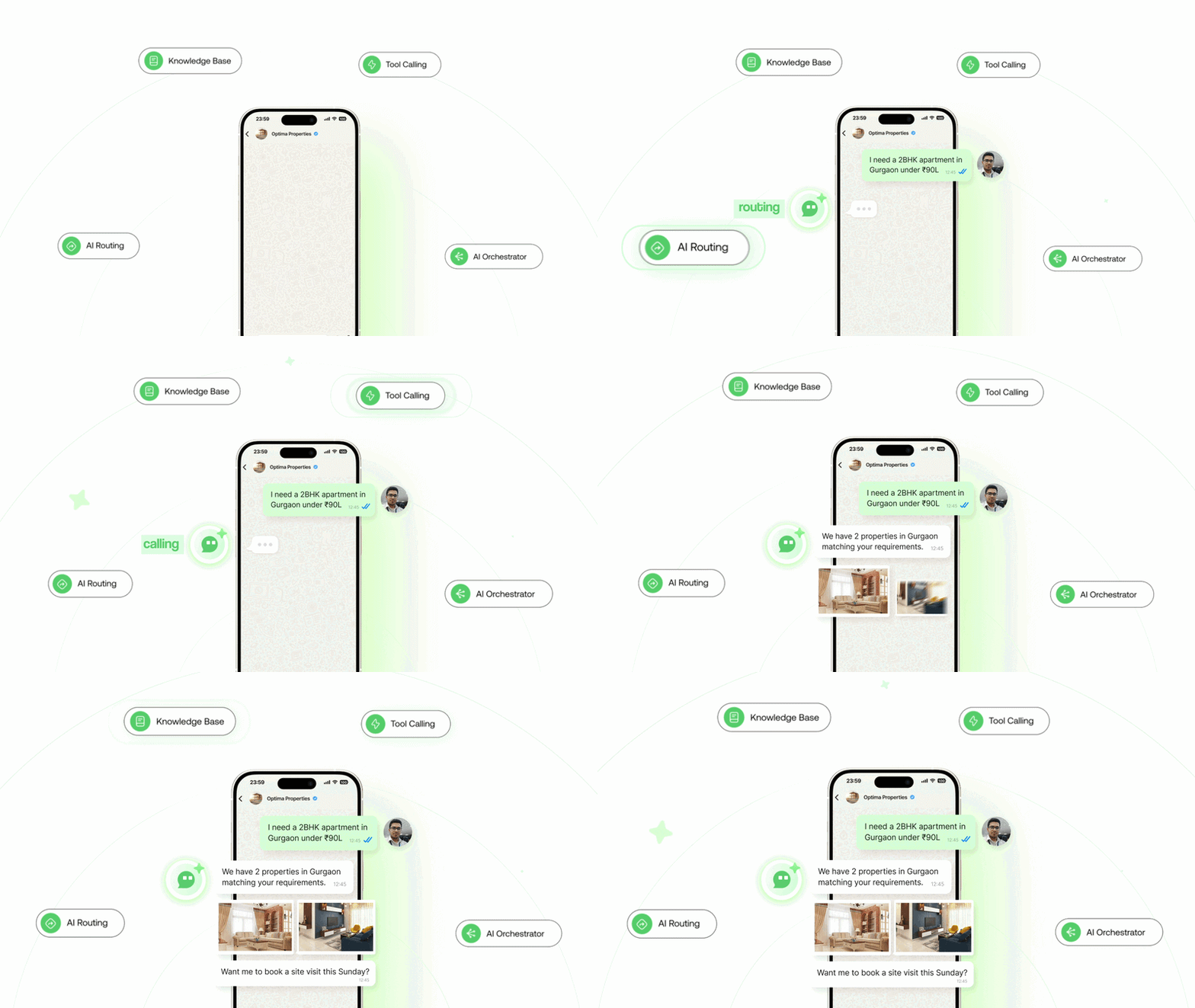
What is an AI Agent on WhatsApp?
Imagine having an AI-powered chatbot available 24/7 on WhatsApp, providing human-like customer support without the wait times. That's the power of an AI Agent.
Unlike basic chatbots with scripted responses, WhatsApp AI Agents use natural language processing (NLP) and machine learning to interpret user intent, respond intelligently, and deliver personalized support.
24/7 replies
Always available
Context-base response
Understands contexts and replies according to user queries
Human handoff
Escalates to humans when needed
Watch How Ai Agents Work
Watch this 2-min demo on WhatsApp AI Agent Builder
AI Agent vs Basic Keyword Chatbot
See exactly how Rayflow AI Agent goes beyond basic chatbots to deliver real business results.
| Feature | Basic Keyword Chatbot | Rayflow AI Agent Recommended |
|---|---|---|
| Query Understanding | Works only on exact keyword matches | Understands natural customer intent |
| Customer Experience | Robotic and rigid conversations | Human-like conversational experience |
| Context Awareness | Cannot understand conversation context | Understands context across conversations |
| Response Type | Sends predefined static replies | Generates dynamic AI-powered responses |
| Real-Time Data Access | Cannot fetch live data | Fetches live data from APIs, CRMs, Shopify, etc. |
| Workflow Actions | Limited to predefined chatbot flows | Can trigger APIs and automate actions |
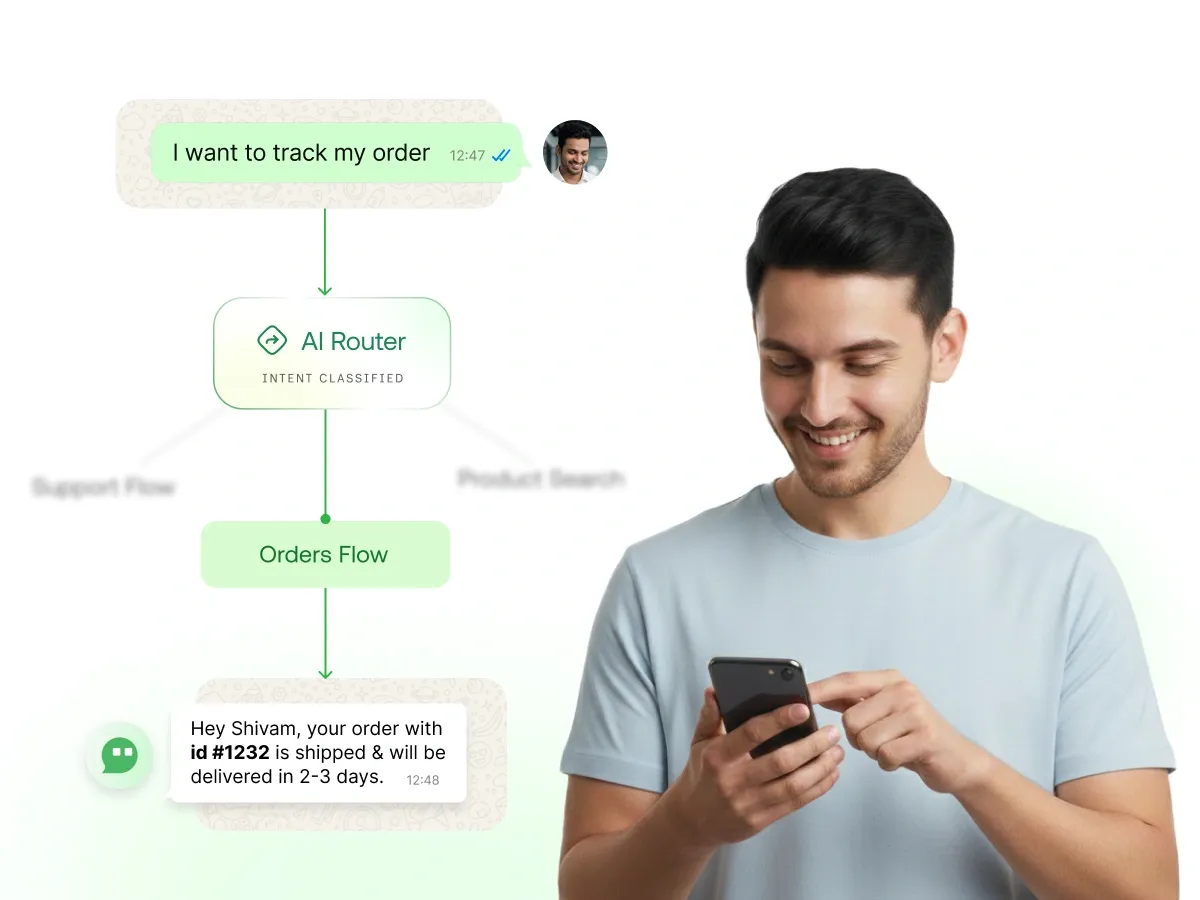
| AI Routing | Cannot intelligently route conversations | Routes customers to the right AI agent based on intent and context |
| Lead Qualification | Requires manual rule-based flows | Qualifies leads intelligently using AI |
| Sales Assistance | Limited static recommendations | Recommends products and guides customers toward purchases |
| Appointment Booking | Requires separate manual flows | Books and confirms appointments automatically |
| Setup Time | Hours of manual flow building | Launch AI agents in minutes |
| Multi-Language Support | Limited keyword dependency | Understands multiple languages naturally |
USE CASES
Types of AI Agents You Can Build
From customer support to sales qualification — deploy AI agents for any business use case
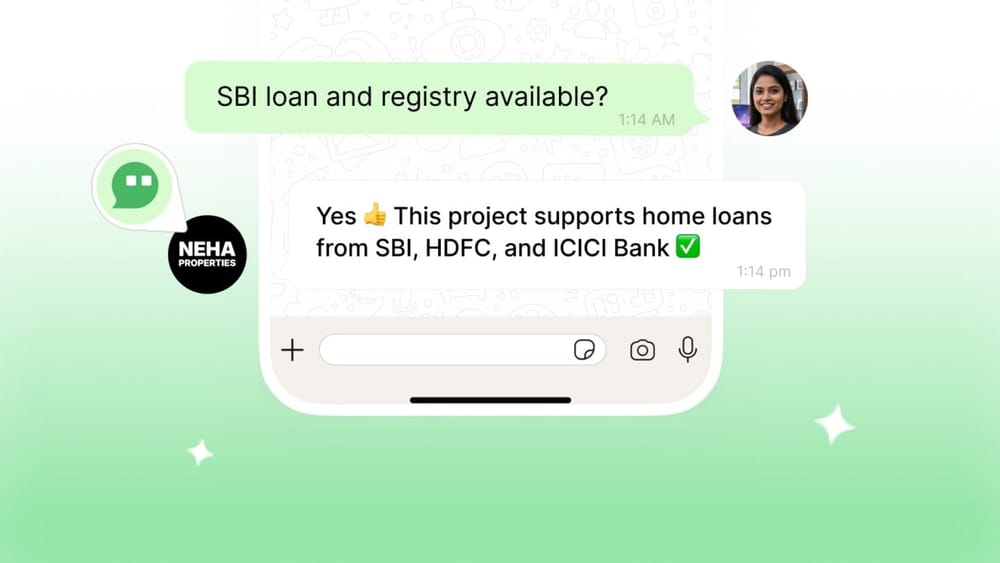
Customer Support Agent
24/7 personalized support for FAQs, order queries, and issue resolution with human-like empathy
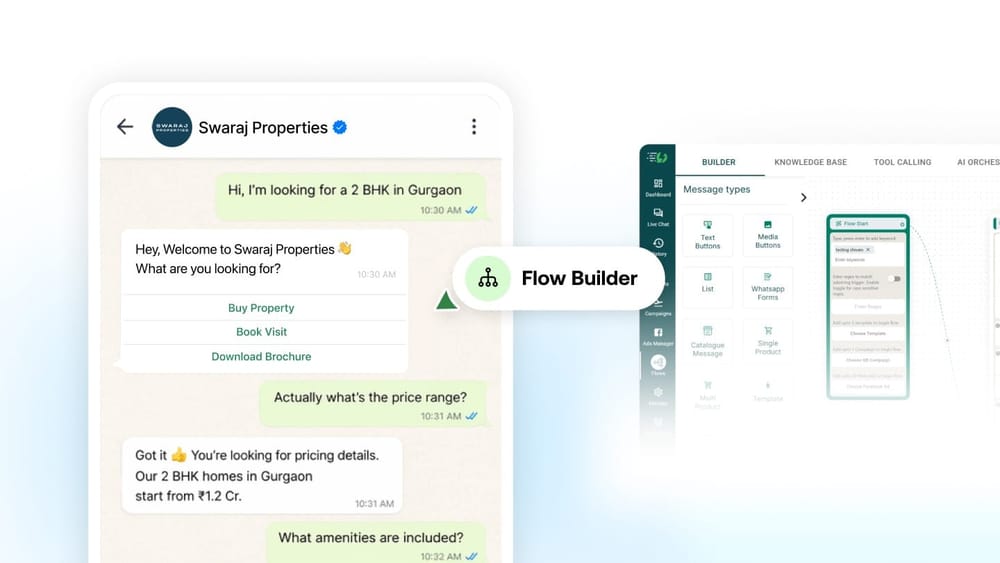
Sales & Lead Qualification
Qualify leads, recommend products based on preferences, and guide prospects toward the right solution
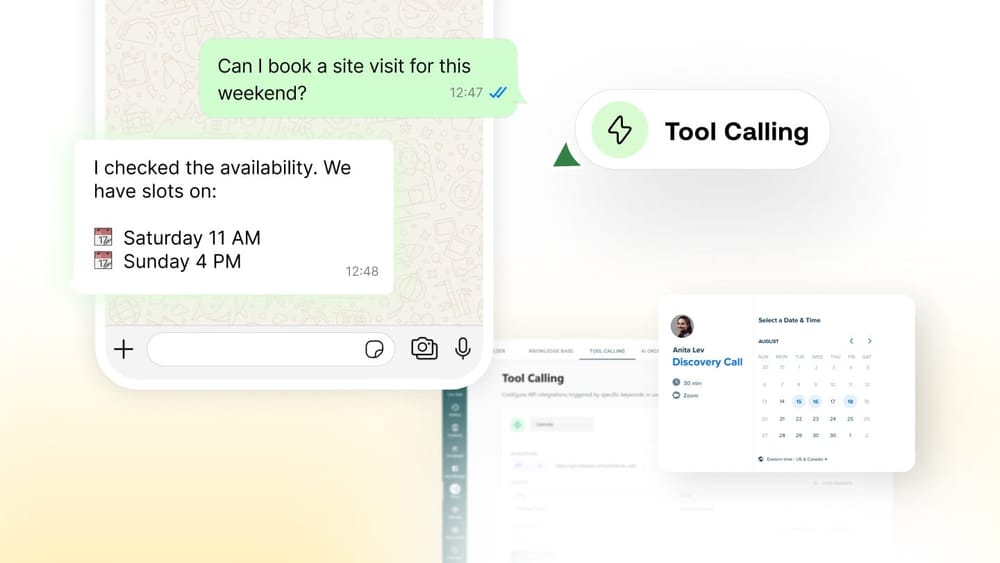
Appointment Booking Agent
Collect details, check calendar availability, and auto-confirm bookings directly on WhatsApp
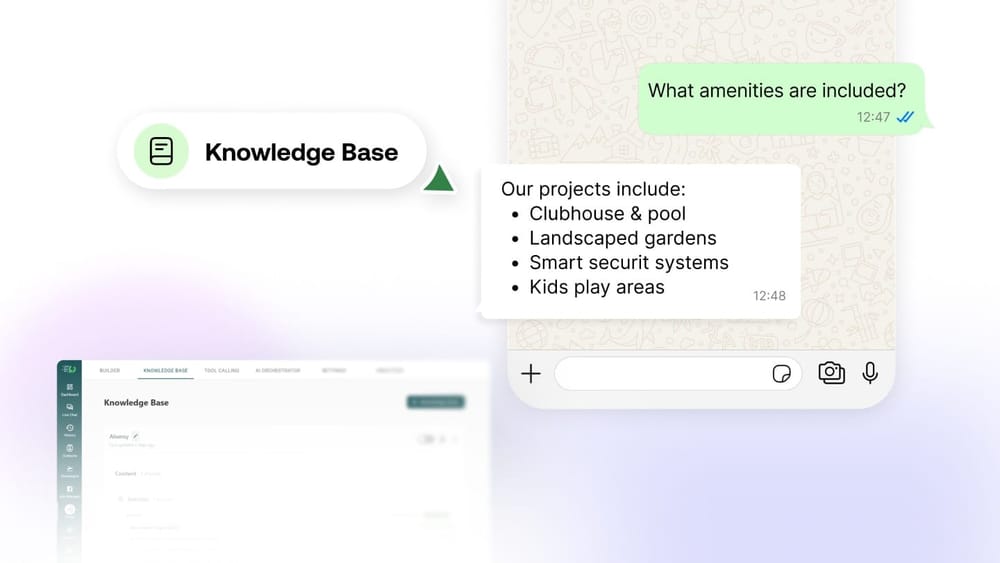
FAQ & Knowledge Base Agent
Instantly answer common questions using your knowledge base — no waiting, no repeating
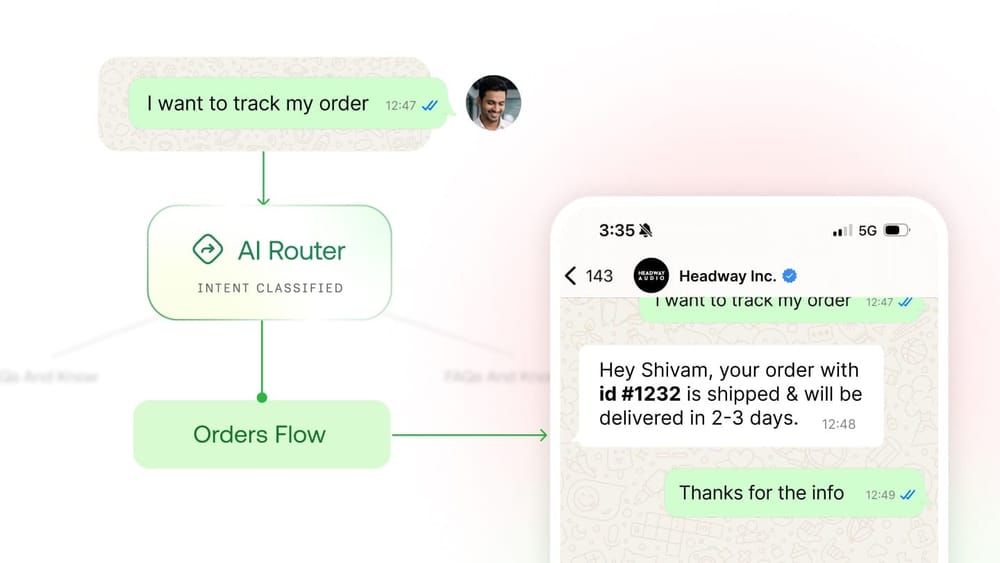
Order Status Lookup Agent
Fetch live order status from your system and deliver instant updates to customers
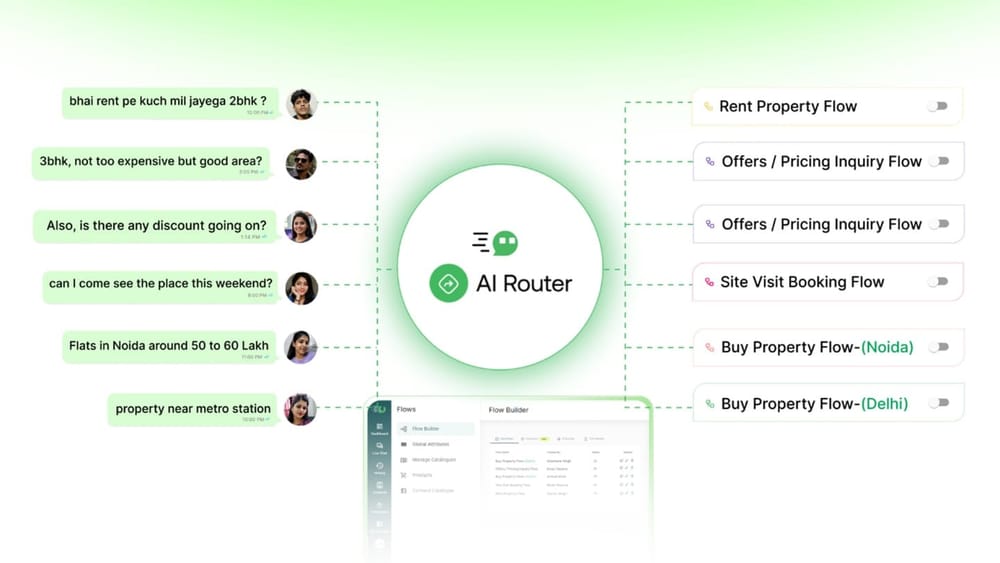
Custom AI Agents
Build any agent for your unique business logic and workflows
STEP BY STEP
Build your first agent in 5 simple steps
Get your AI Agent up and running in 5 simple steps — no developers needed
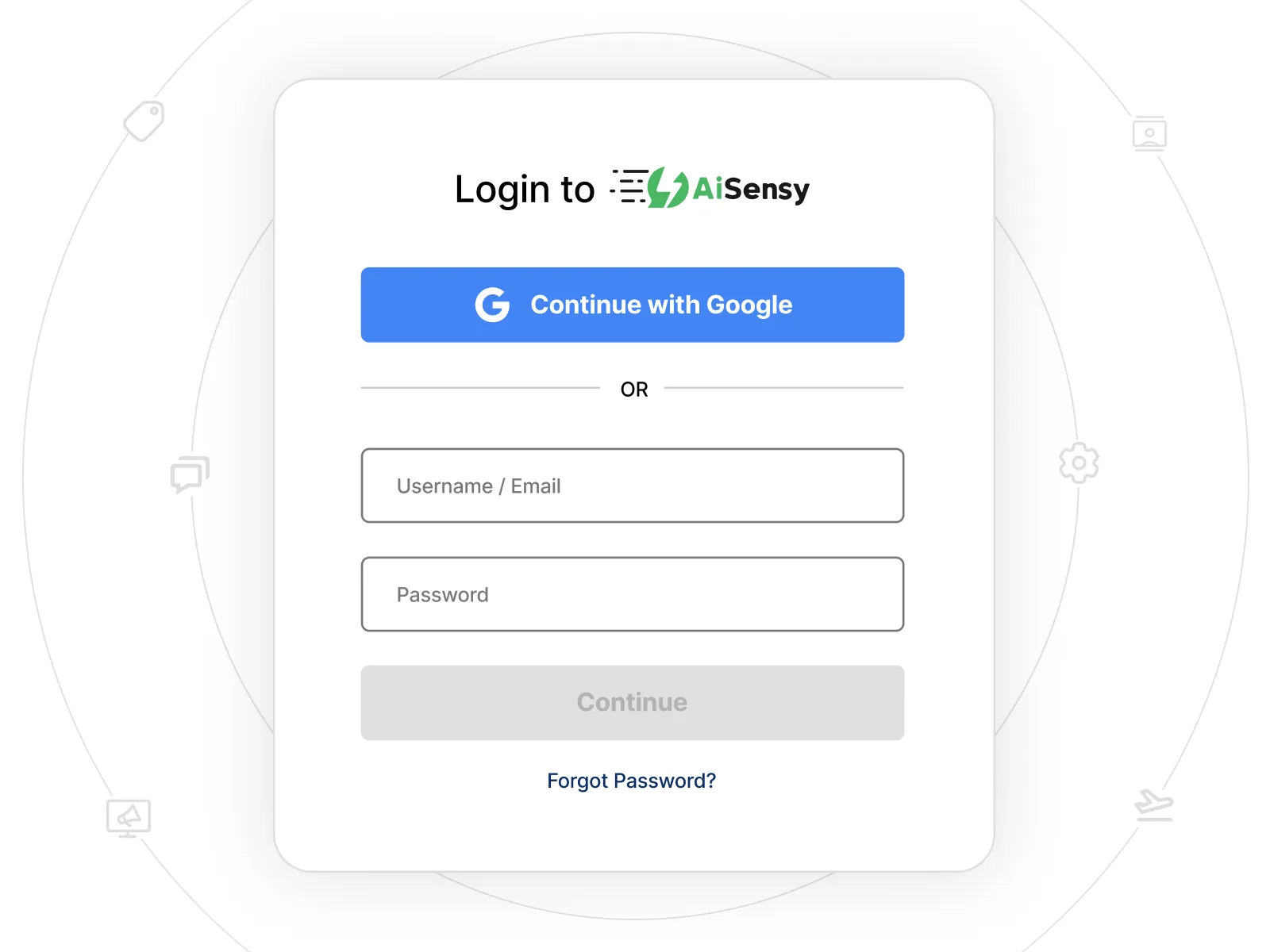
Go to Flows & Click Create Flow
Navigate to the Flows section in your Rayflow dashboard. Click on Create Flow to start building your AI Agent from scratch or use a template.
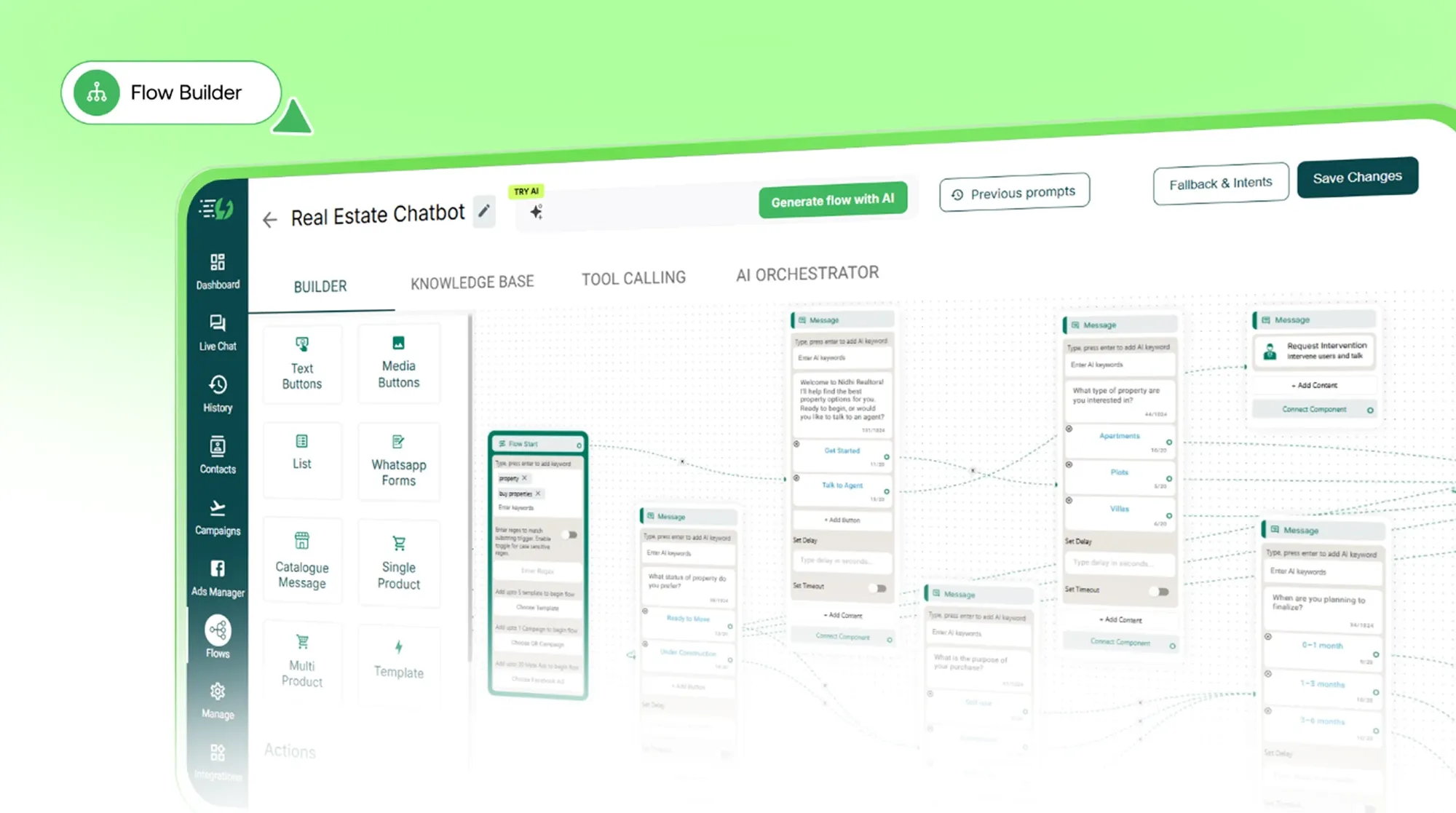
Upload Your Help Docs or Add Website Link
Open the Knowledge Base tab. Add your website URL, upload PDFs, or create articles directly. Rayflow will auto-index your content for the AI to use.
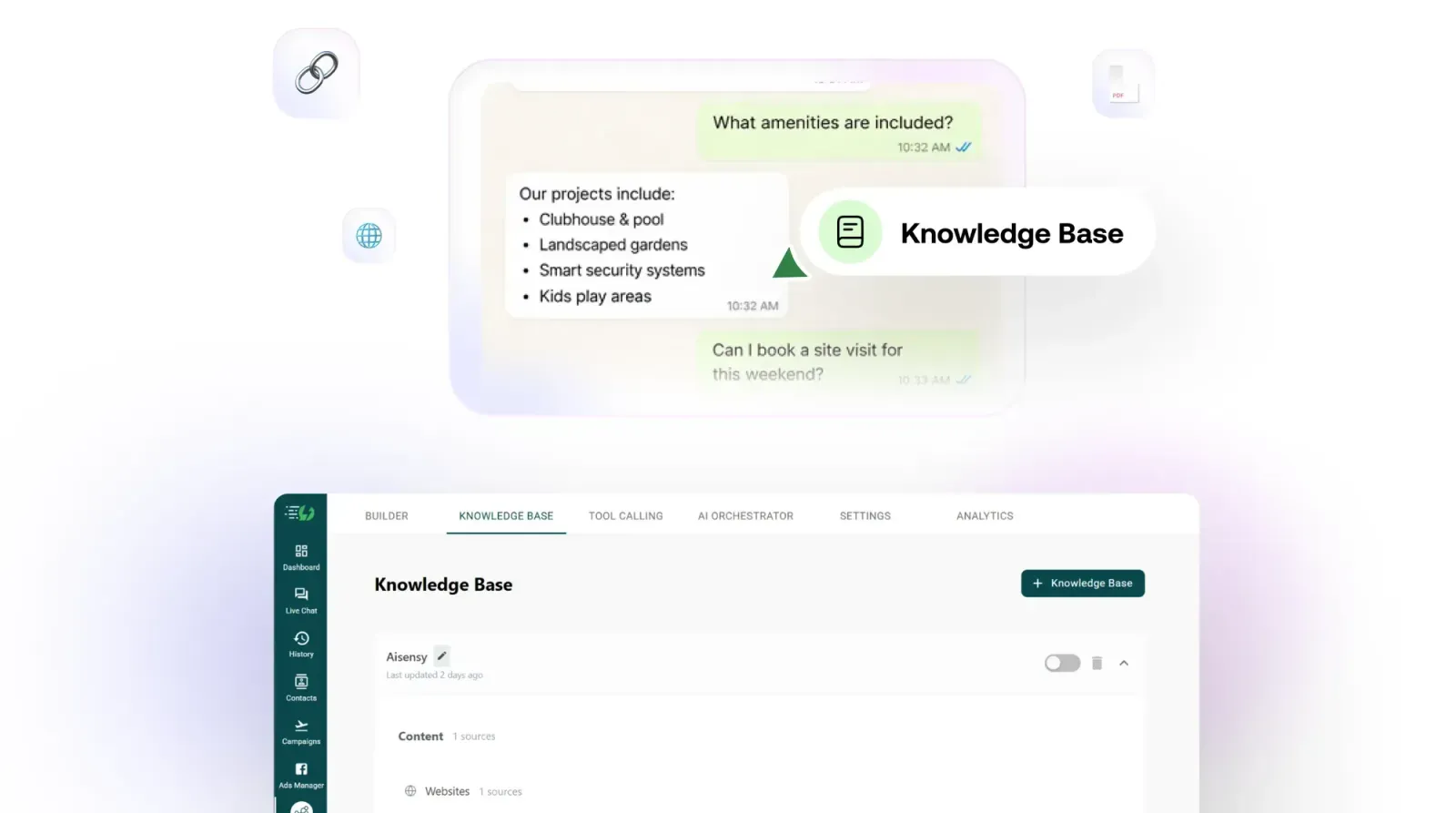
Set Instructions in AI Orchestrator
Tell your AI how to behave — define your business context, tone, workflow rules, and restrictions. The AI will follow these instructions in every conversation.
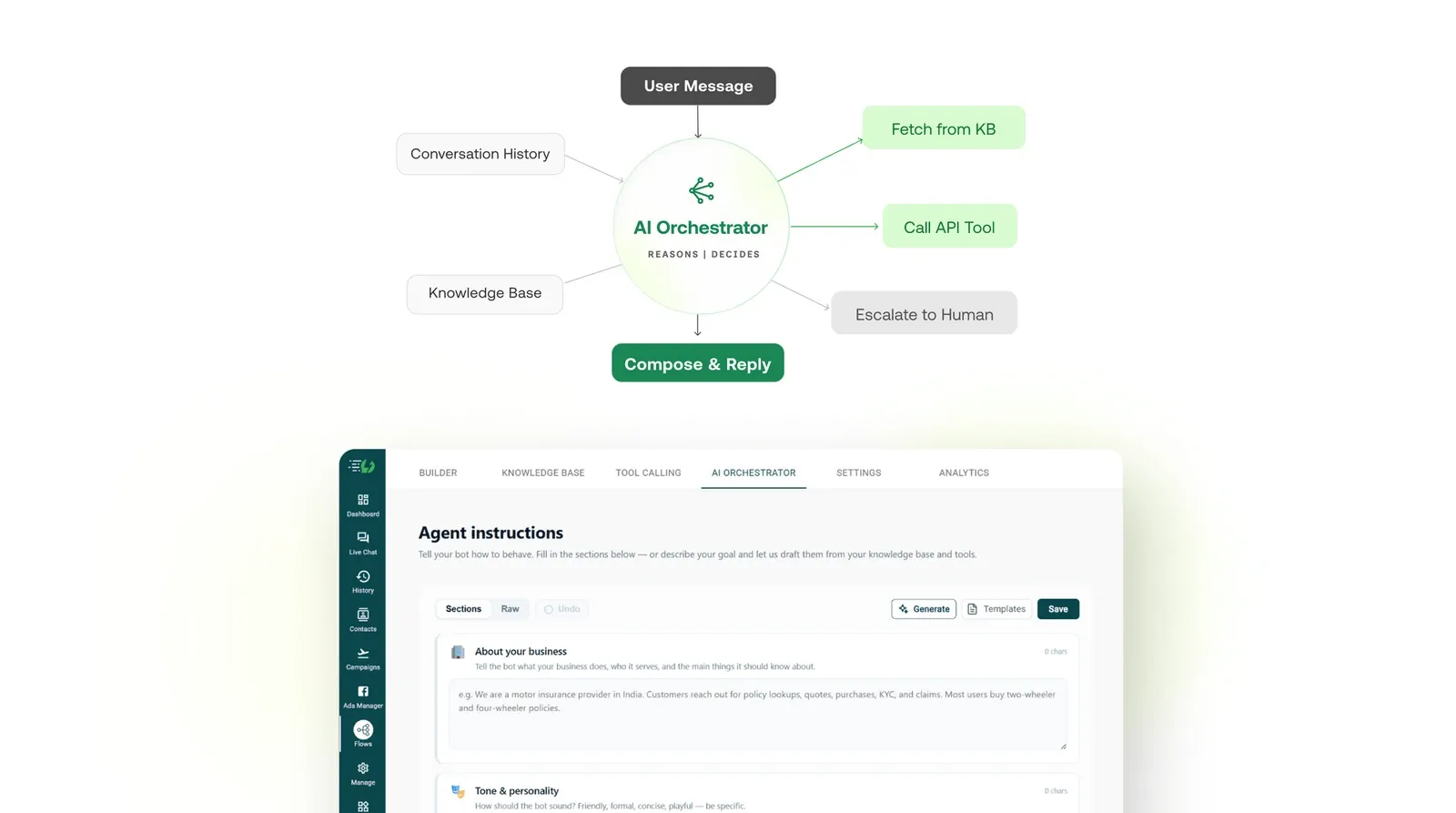
Your AI Agent is Ready to Go
That's it! Your WhatsApp AI Agent is now live and ready to answer customer queries 24/7. Test it, refine it, and watch it handle conversations like a pro.
Trusted by 210,000+ Businesses
Founders & Marketers ❤️ us
Trusted by 210,000+ Businesses across 68+ Countries